Password Profiler
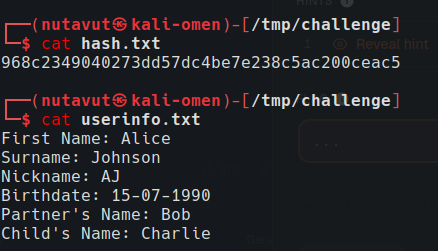
We intercepted a suspicious file from a system, but instead of the password itself, it only contains its SHA-1 hash. Using OSINT techniques, you are provided with personal details about the target. Your task is to leverage this information to generate a custom password list and recover the original password by matching its hash. Download the following files: userinfo: Contains the personal details. hash: Contains the SHA-1 hash of the password. check_password: Script to test passwords against the hash.
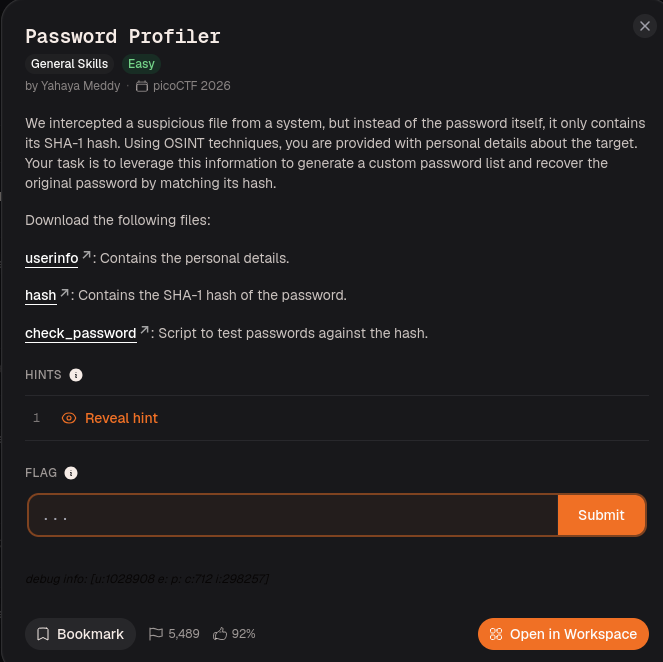
Download all the files.
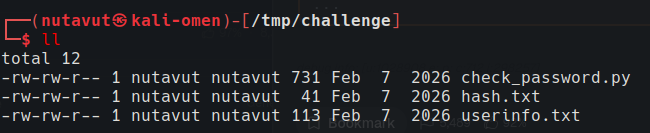

1
2
3
4
5
6
7
8
9
10
11
12
13
14
15
16
17
18
19
20
21
22
23
24
25
26
27
28
29
30
31
32
33
34
35
36
37
38
39
40
41
42
43
44
45
46
47
48
49
#!/usr/bin/env python3

import hashlib


HASH_FILE = "hash.txt"

WORDLIST_FILE = "passwords.txt" # wordlist that was generated using CUPP


def load_hash():

with open(HASH_FILE, "r") as f:

return f.read().strip()


def crack_password(target_hash):

with open(WORDLIST_FILE, "r", encoding="utf-8", errors="ignore") as f:

for password in f:

password = password.strip()

if hashlib.sha1(password.encode()).hexdigest() == target_hash:

return password

return None


if __name__ == "__main__":

target_hash = load_hash()

result = crack_password(target_hash)

if result:

print(f"Password found: picoCTF{{{result}}}")

else:

print("No match found.")
The challenge required a custom password wordlist based on the user’s information.
Use cupp to create a custom wordlist from the available information.
CUPP combines the supplied personal details into likely password candidates. The Python script hashes each candidate with SHA-1 and compares it with hash.txt; a matching hash identifies the password.
cupp -i
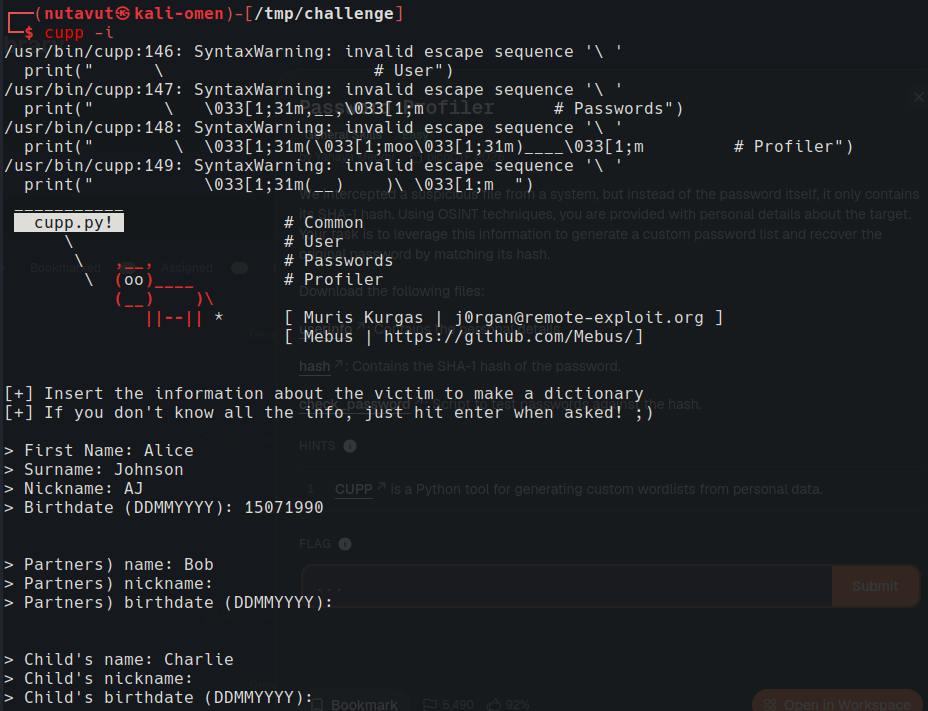 Enter the available information.
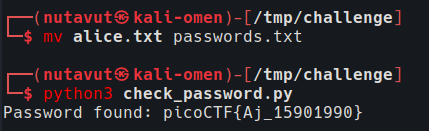
After generating the wordlist, rename it to passwords.txt and run check_password.py to get the flag!